Who it is for
Master Max
Mix engineer. The control room, the wooden console, the band behind the glass.
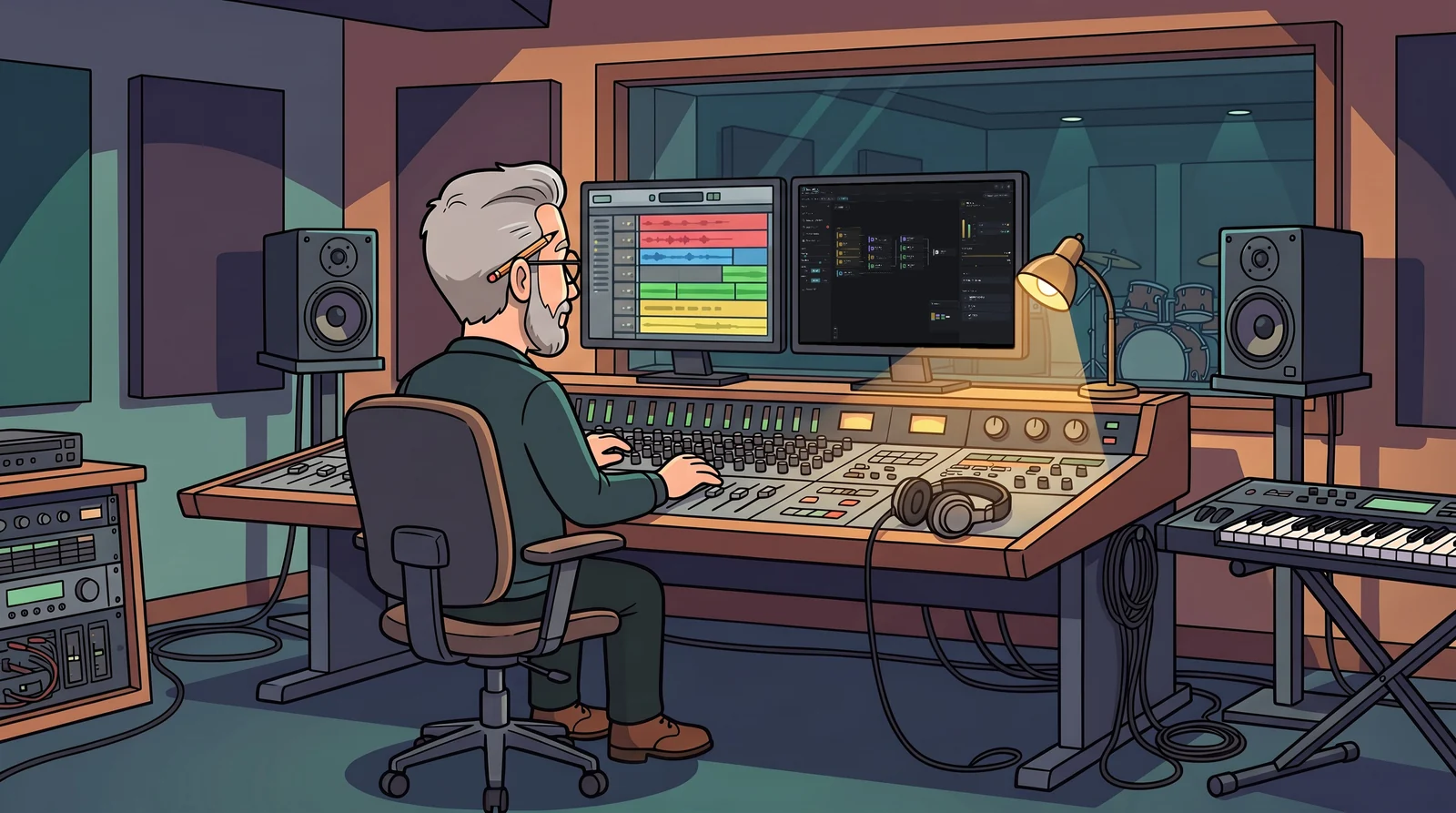
Max mixes other people’s records. The session arrives from the producer: a hundred tracks, a few hundred on a good day, built by someone else over months. Before he touches a fader he needs to know how it is put together.
A day with Max

The session lands
Max opens the Logic Pro project in SessionMap. It draws the session as it was saved, as a map: tracks, summing stacks, busses and the stereo out, with the edges kept apart so he can follow them. The file is read inside his browser and nothing is uploaded — this record is unreleased.
Finding his way
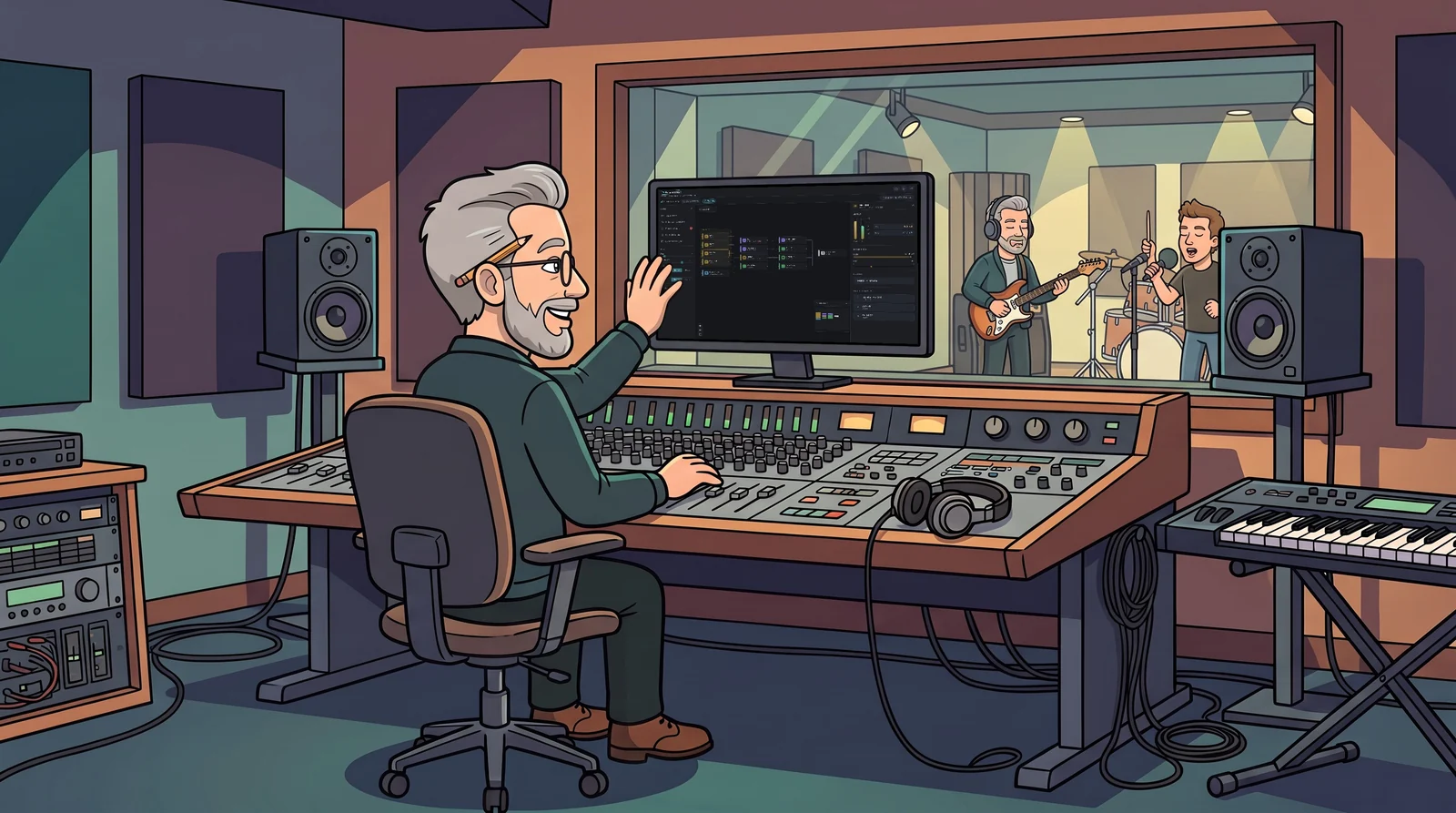
He clicks a channel and reads its strip — fader, pan and mute as they were saved, where its signal comes from and where it goes, and its sends. Trace mode isolates one signal path through the whole session. Where a track, stack, bus or the master carries insert plugins, they are listed in order — each shown active or bypassed exactly as the producer left it.
Explaining it
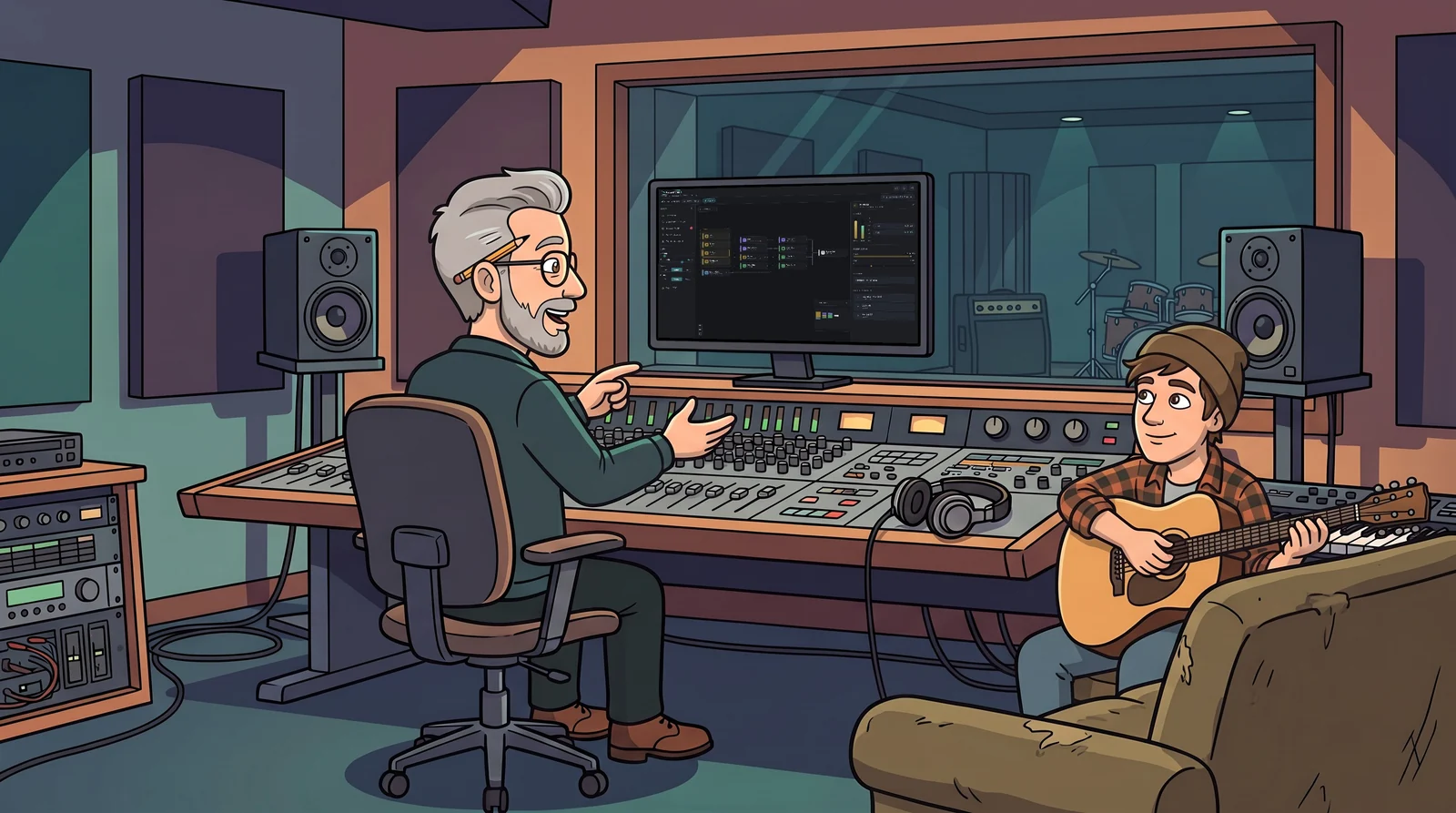
The band comes in. Max turns the screen: here is the drum stack, here is where the vocal goes, here is the parallel bus. The map says it faster than he can.
The hand-over
Mix done, Max exports the map as a PDF — a vector drawing, sharp at any zoom, the track names real text — and sends it with the files. The next engineer opens it and knows the session before opening the session.
Max’s product: SessionMap
Free, in the browser. Open a Logic Pro project in SessionMap and it draws the session.