Multi-track analyzer · Logic Pro
TrackScope
Watch every track at once. Put TrackScope on the tracks you care about and a single window shows all of them together — with the names already set in Logic Pro, and a colour of its own for each track.
Hear it. See it. Fix it.
In development · Audio Unit and standalone
One window, every track · 5 Hz–30 kHz · macOS 11+
Why it's different
Not one meter on your master — every track, together.
Most analyzers show you one channel. To compare two parts you open two windows, and to compare eight you give up. TrackScope instances talk to each other inside Logic Pro, so whichever window you open shows every track you have inserted it on — selected track in front, the rest drawn behind it for context.
You can add it to a whole mixer's worth of channels in one go: select the strips, then hold Option + Shift while choosing it from an insert slot. The same trick takes them all off again.
Four ways to look at the same tracks.
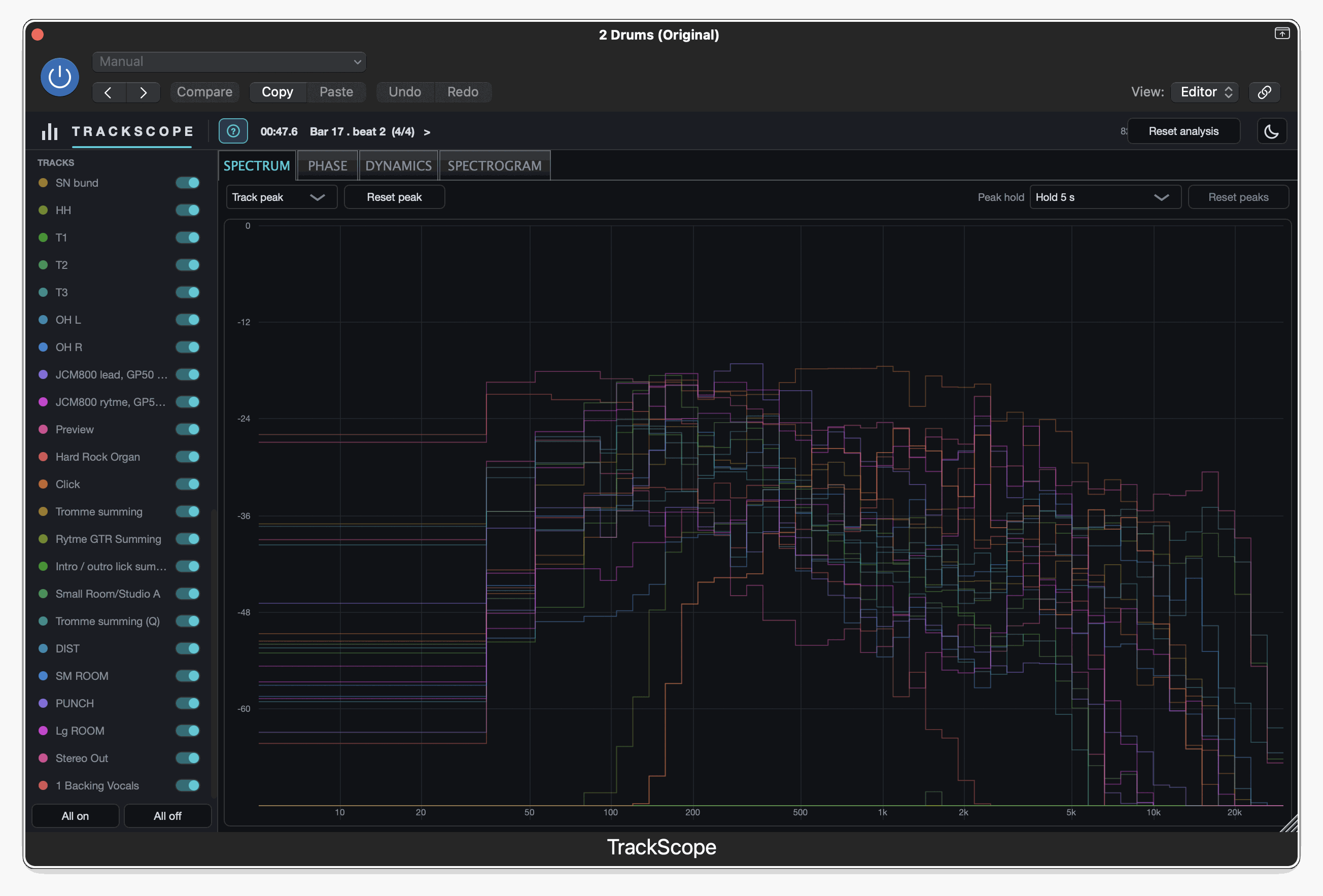
Spectrum
The selected track drawn as bars, every other track behind it as a thin coloured outline.
You can see the bass and the kick fighting for the same space without soloing either one.
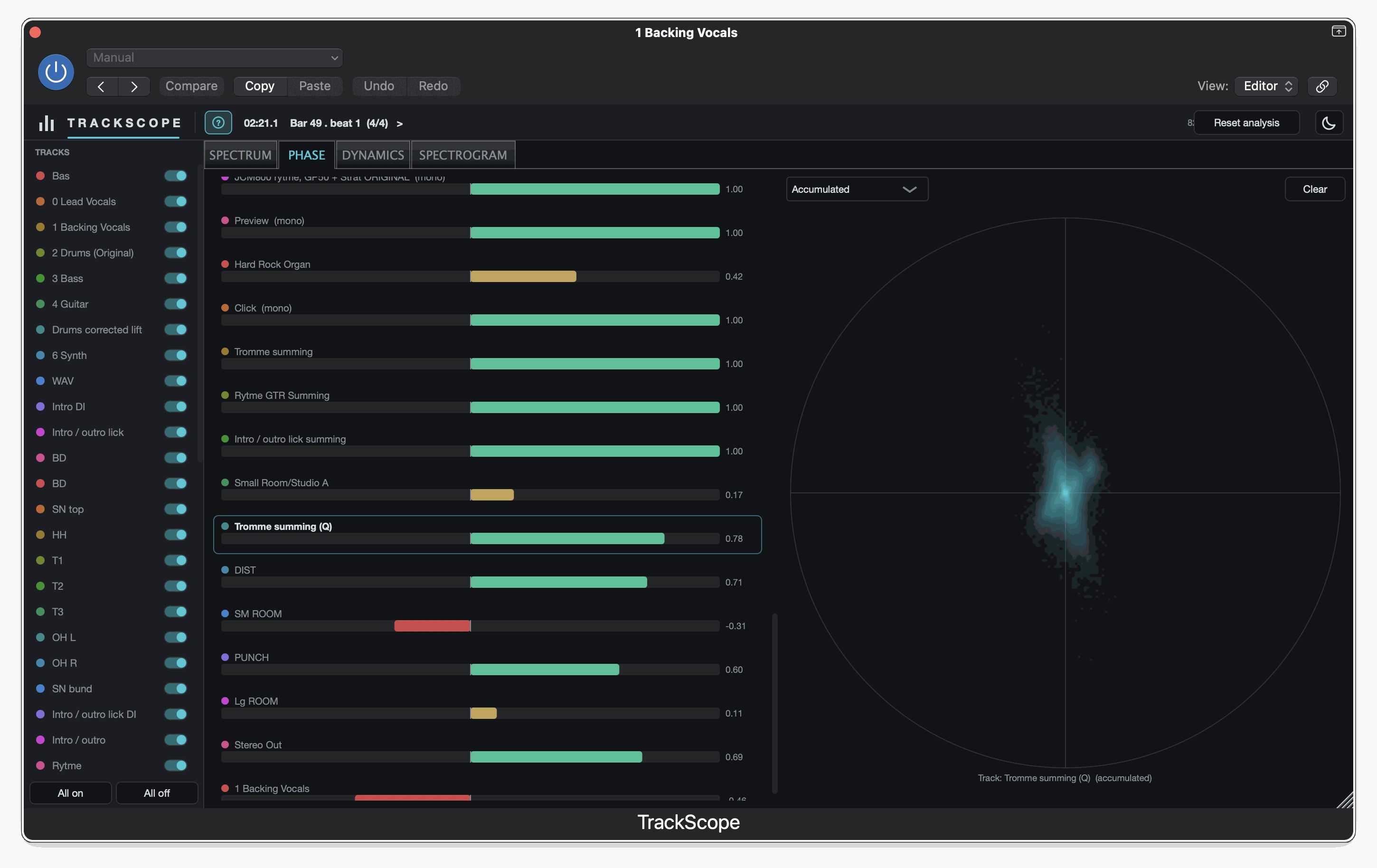
Phase
A correlation meterCorrelation meter Shows whether a track's left and right agree (+1) or cancel (−1) — a check on how it will sound in mono. More in the dictionary for each track you are watching, and a goniometerGoniometer Plots left against right so you can see a track's stereo width: upright is mono, sideways is opposite polarity. More in the dictionary for the one you have selected.
Flags the stereo widener that may thin out or drop when somebody plays it in mono — a reason to check the track in mono before somebody else does.
Dynamics
Loudness and peaks for each track across the length of the song, with crest figures.
Shows which parts you have already squashed flat, and which still have life in them.
Spectrogram
The whole song as a frequency heatmap, one per track.
Rumble, room resonances and two parts sitting on top of each other all show up as shapes.
The details.
- Type
- Multi-track analyzer — insert per track
- Format
- Audio Unit (AU) + standalone app
- Host
- Logic Pro (macOS 11 or newer)
- Architecture
- Apple Silicon + Intel (Universal)
- Views
- Spectrum · Phase · Dynamics · Spectrogram
- Analyzer range
- 5 Hz – 30 kHz (a high sample rate fills the top)
- Engine
- 2048-point FFT · 63 bands · timelines sample at 10 Hz
- Status
- In development
Release status
TrackScope is still in development. There is no build-it-yourself route and no buy button — it will be sold, with a signed installer, once it is finished, and not before.